Ready-to-use Proxmox VE labs in your browser. Try it in a sandbox, learn it lab by lab, teach it to a class, train your team, or rehearse your migration from VMware.
No hardware to rack. Nothing to install.
Proxmox VE is an open-source virtualization platform that runs KVM virtual machines and LXC containers, with clustering, high availability, and its own backup server. NDG hosts fully configured Proxmox VE environments with hands-on labs, so you can deploy VMs, configure storage, and build clusters without setting up servers first.
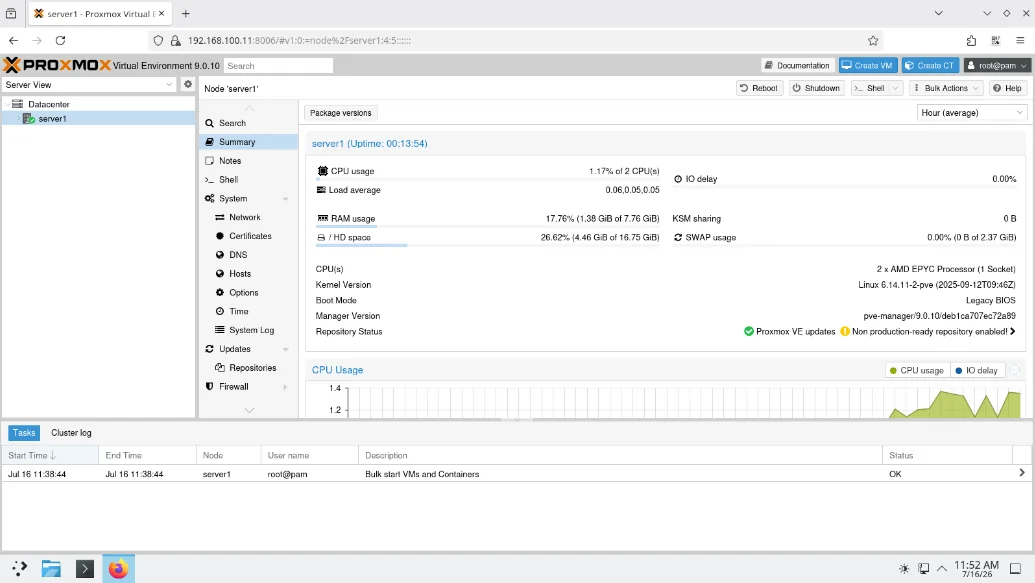
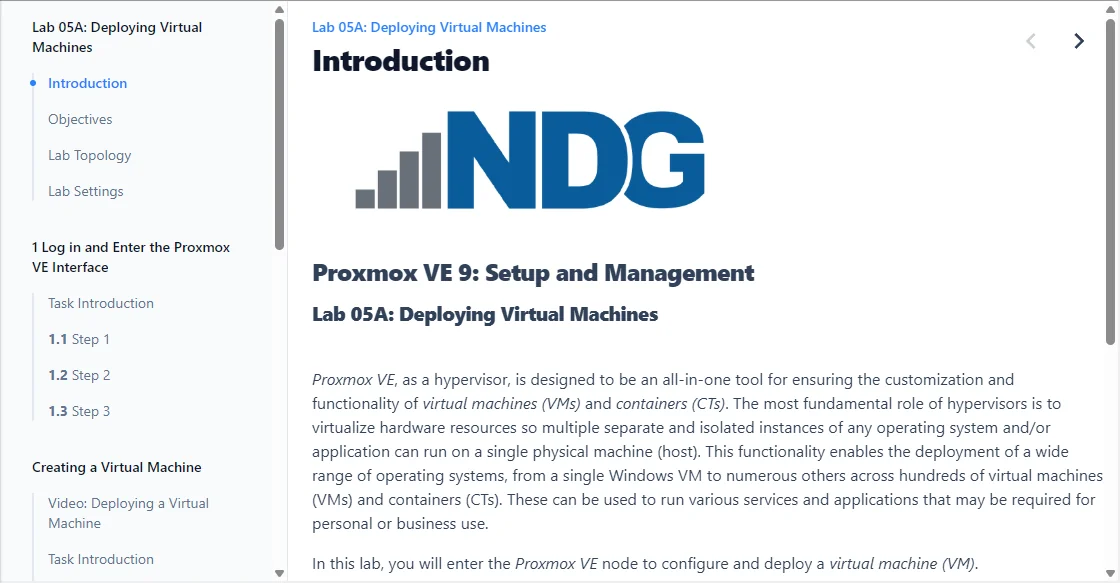
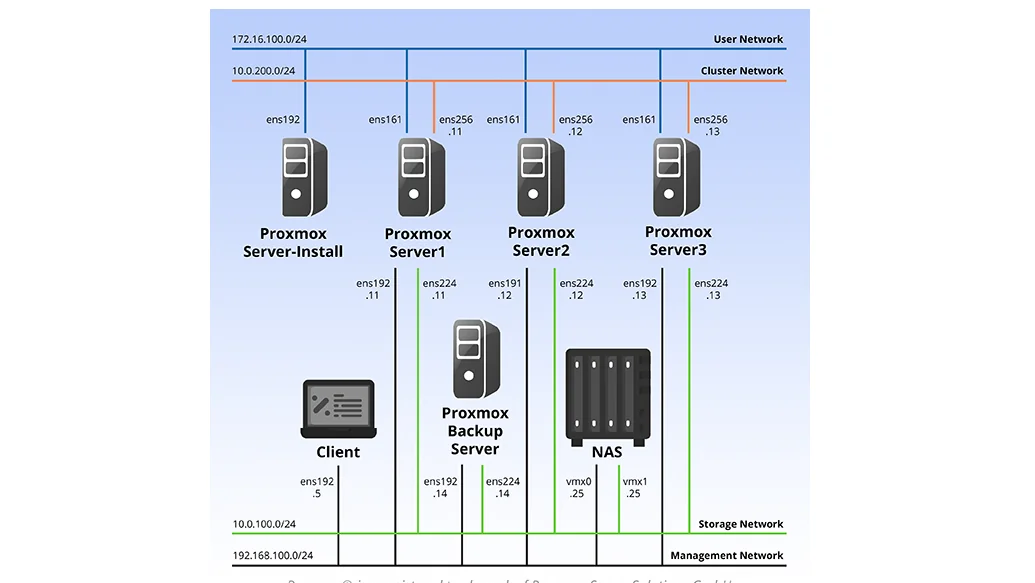
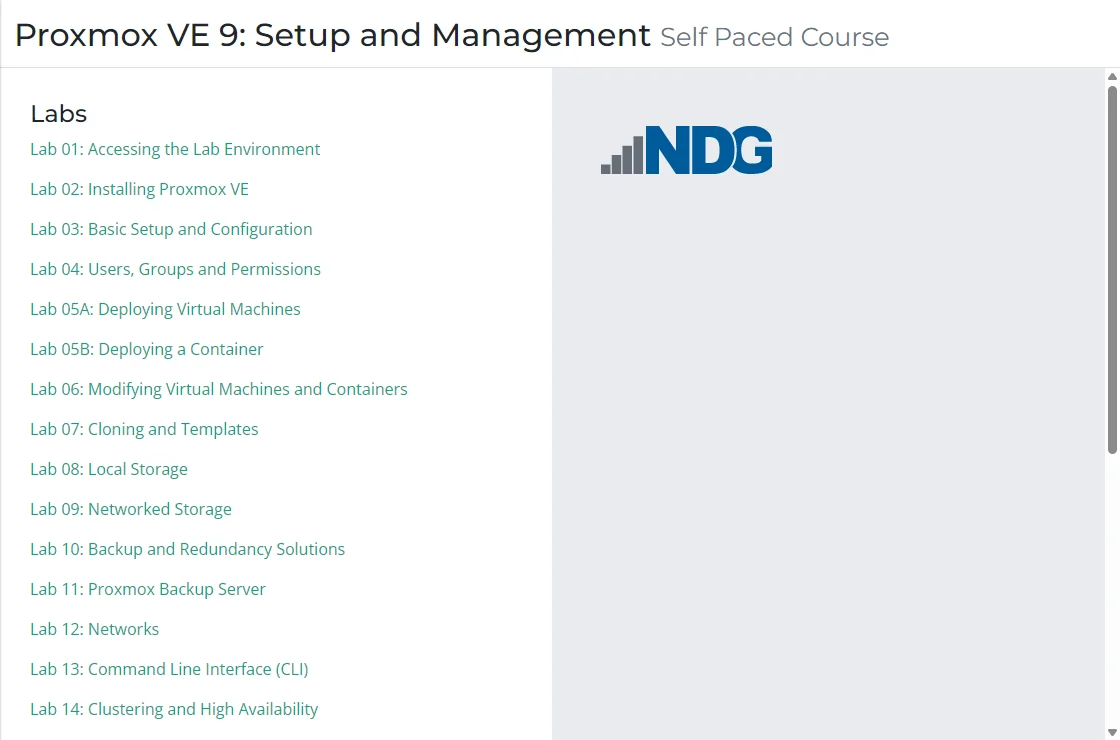
Setup and Management takes you from installation to clustering and high availability, self-paced: 15 hours, 16 labs, 9 graded assessments.
Ready-made lab exercises, videos, and graded assessments. Each learner gets their own live Proxmox VE environment.
Buy course access in bulk for your team, with purchase orders and price quotes for larger orders.
Import VMs from ESXi, Hyper-V, and VirtualBox in the advanced course, before you touch production.
Run NETLAB+? Host the Proxmox lab content on your own installation for on-campus classes.
Proxmox VE 8: Advanced Administration and Optimization opens with three import labs. You bring virtual machines into Proxmox VE from VMware ESXi (Lab 01A), Microsoft Hyper-V (Lab 01B), and VirtualBox (Lab 01C) on NDG's environment, not on your production systems.
The remaining 15 labs cover what a production move needs next: API automation, advanced networking and switching, Ceph distributed storage, monitoring and alerts, data encryption, and a challenge lab that tests cluster management end to end.
Install Proxmox VE, manage subscriptions and repositories, and navigate the GUI.
Deploy, modify, and clone KVM virtual machines and LXC containers, with templates and cloud-init.
Configure local and networked storage backends, up to Ceph distributed storage.
Implement backup and redundancy solutions, including Proxmox Backup Server.
Build virtual networks, then clusters with high availability and live migration.
Manage Proxmox VE from the command line and automate it through the API, hookscripts, and snippets.
Both Setup and Management courses and the advanced course end with a challenge lab that tests the skills without the step-by-step guide.
Proxmox VE is an open-source virtualization platform that runs KVM virtual machines and LXC containers, with clustering, high availability, software-defined storage, and its own backup server. Many organizations evaluate it as a VMware replacement. NDG's sandbox and labs let you test it against your own requirements before you commit.
Yes. Proxmox VE 8: Advanced Administration and Optimization opens with three import labs covering VMware ESXi, Microsoft Hyper-V, and VirtualBox, so you can rehearse a migration before touching production systems.
Yes. Instructors can run the Setup and Management courses as a class through the NDG Online portal, with lab exercises, videos, and graded assessments. For teams, course access is available in bulk through purchase orders and price quotes. Organizations that run NETLAB+ can also host Proxmox lab content on their own installation.
Open NDG Sandbox for Proxmox VE to explore the platform, or take Proxmox VE 9: Setup and Management to learn it from installation onward (15 hours, 16 labs, 9 assessments). Proxmox VE 8: Advanced Administration and Optimization (18 hours) covers migration, the API, Ceph storage, and clustering.
NDG Online runs the lab environment right in your browser, with no installs and no hardware. Network Development Group has built lab-based training for educational institutions, government, and industry since 1999. The Proxmox courses use NDG's HTML5 content viewer: coursebook, labs, and assessments together.
Compare the Proxmox courses, or set one up for a class.